
Step 1
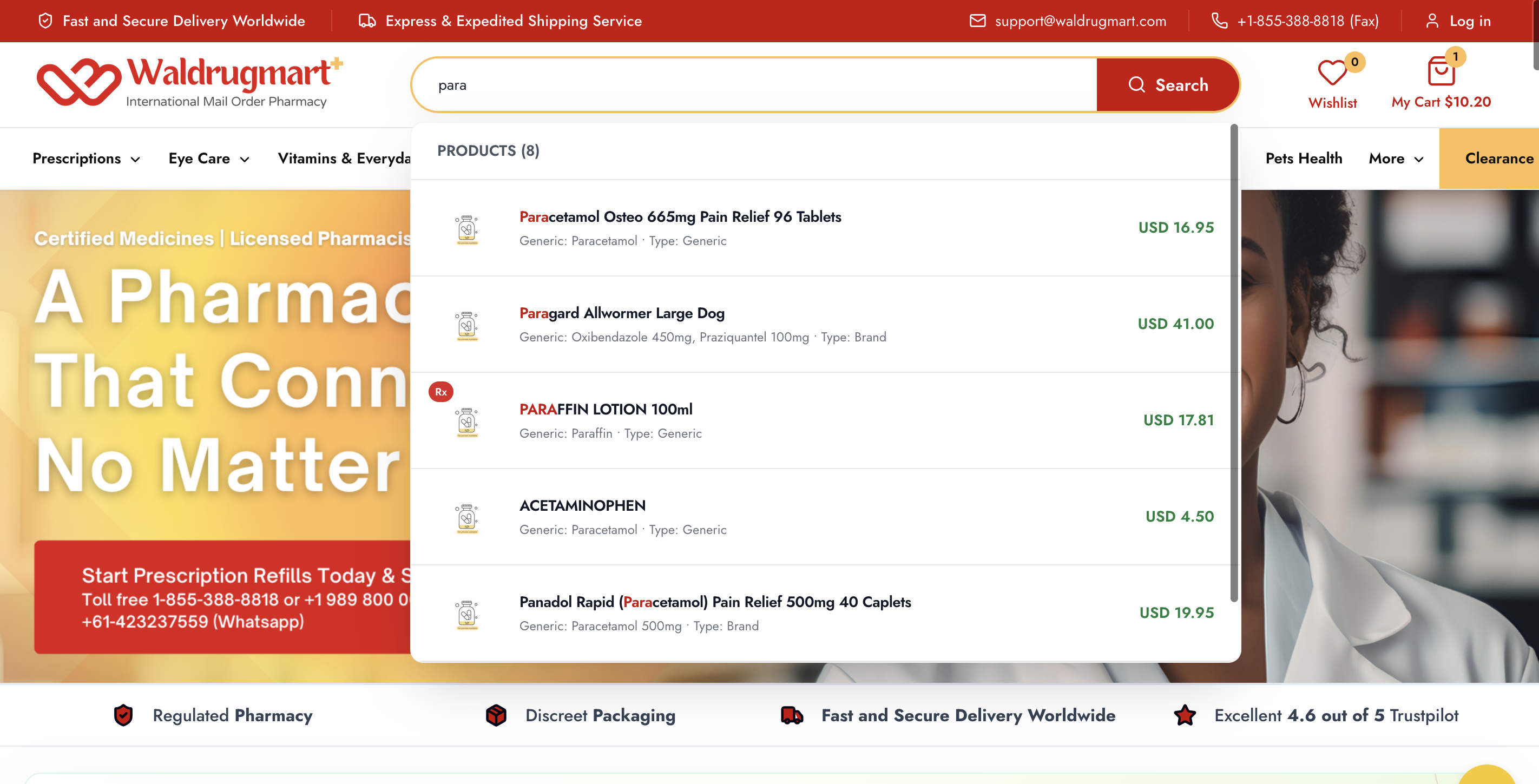
Search Product
Step 1
Search your medicine
Use the search bar or browse categories to find prescription medicines, OTC products, refills, and wellness items.
Follow each step from product search to checkout, prescription upload, secure Stripe payment, and your thank-you order confirmation.
Order preview
7 clear steps
Step by step
Use this guide while placing an order. Each step includes a 250px visual panel ready for your real screenshots.
Search Product
Step 1
Use the search bar or browse categories to find prescription medicines, OTC products, refills, and wellness items.
Select Options
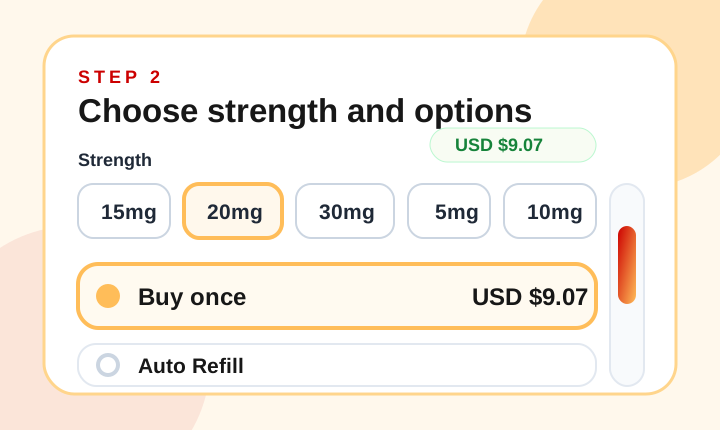
Step 2
Select the correct strength, pack, quantity, buy-once option, or auto-refill frequency where available.
Cart & Checkout
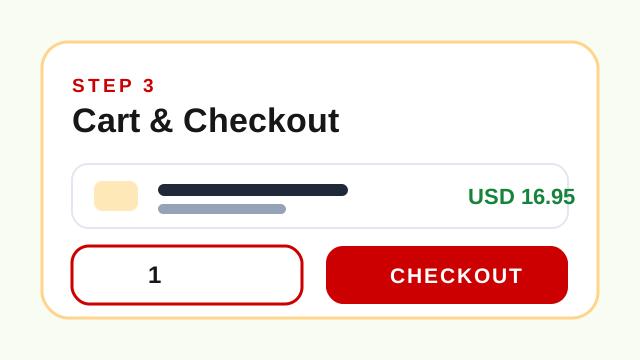
Step 3
Review your selected products in the cart, confirm quantities, then continue to the secure checkout page.
Billing Details
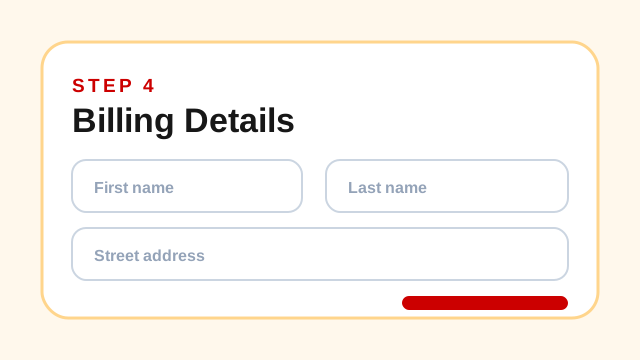
Step 4
Add your billing, contact, and delivery information so the pharmacy team can process your order correctly.
Upload Prescription
Step 5
For prescription-required products, upload a clear prescription file during checkout or through the upload prescription page.
Stripe Payment
Step 6
Complete payment using the secure card payment flow. Your payment details are handled through encrypted processing.
Thank You
Step 7
After the order is placed, view your order confirmation, save the order details, and track progress from your account or track-order page.
Prescription orders are checked before eligible dispensing.
Checkout and payment steps are protected for safer ordering.
The thank-you page keeps important order details visible.